
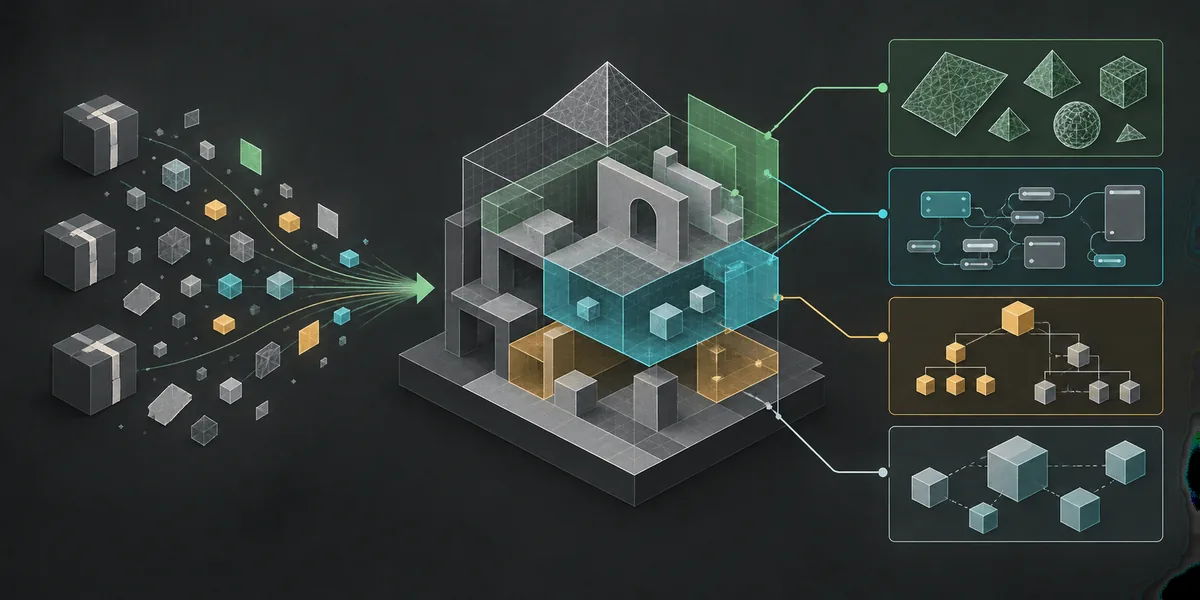
Read the feature limits before you compare editions
The official guide marks shader decompilation, traditional IL2CPP analysis, asset deduplication, and user-defined package export as experimental. Shader output may fail or not compile in Unity. Documented IL2CPP method success is about 10-20% for x86 and lower on other platforms; deduplication supports only listed asset types. These limits determine whether a feature fits your input.
Support also varies by platform: Vulkan shaders can be decompiled on any platform, but DirectX shader decompilation is limited to Windows. Package export needs game-specific package-data JSON that users must find, and path overrides need a correctly structured mapping. Include platform, file types, configuration effort, and possible cleanup in your comparison.
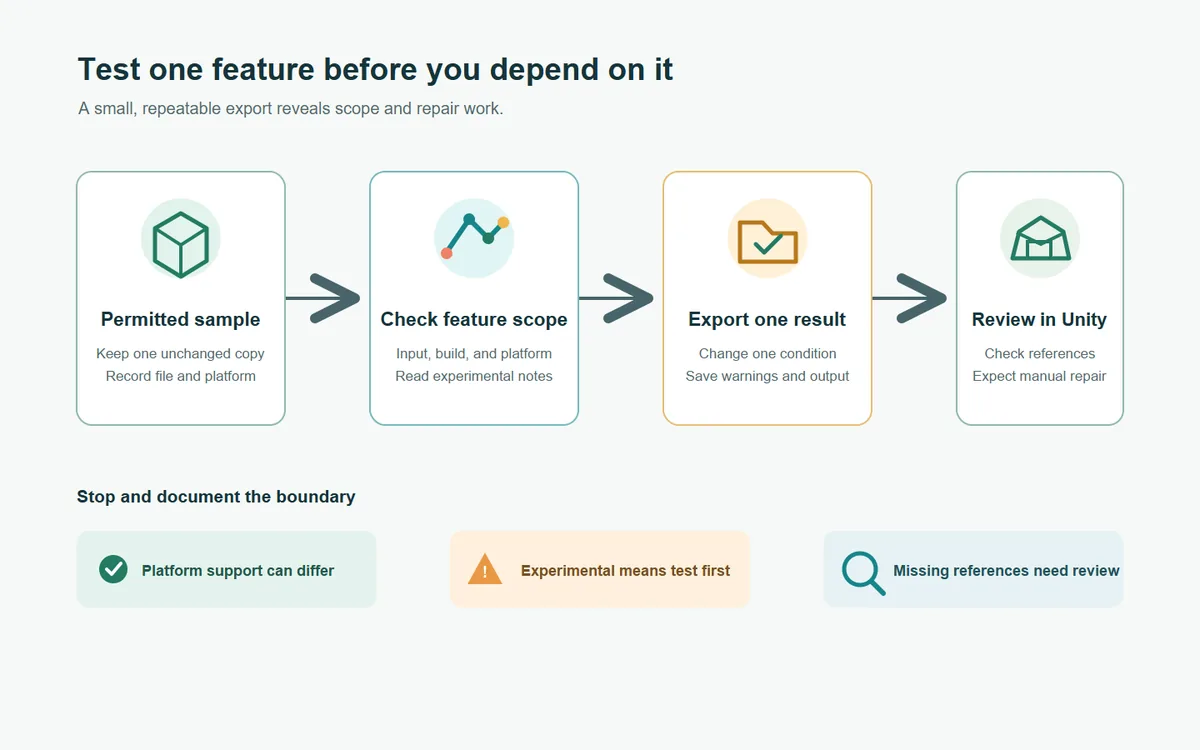
Do not judge Premium only by whether an option appears in settings. Check supported inputs, feature maturity, expected output, and repair effort. Preserve an unchanged source copy and test a small permitted sample before relying on the result.
Who may benefit from AssetRipper Premium?
Premium may be worth evaluating when a repeated task matches a documented feature: separating statically batched meshes, rebuilding likely prefab groups, analyzing an IL2CPP sample, or exporting known package references. These are test cases, not promises of identical results across projects.
For basic inspection or a first export, begin with the free workflow in the download guide and export guide. If the output already meets your need, Premium may add little. If a limitation blocks the next step, compare it with the official feature notes. Teams should record the build, platform, sample, settings, warnings, missing references, and repair work, then repeat on another representative input. This makes an AssetRipper Free vs Premium comparison repeatable instead of anecdotal.
- Choose one output that you can verify, such as a named mesh, a repeated object hierarchy, or a package reference.
- Check the official feature notes for experimental status, supported input types, platform requirements, and required configuration.
- Run the smallest representative sample with one setting change at a time and preserve the original files.
- Inspect the exported project in its intended application and note missing references, compilation errors, or manual fixes.
- Decide from repeatable results and cleanup effort, not from a feature name or an isolated successful preview.
How to get AssetRipper Premium through official channels
The project README is the first-party source for access information. On October 23, 2026, it said an active $10 subscription on any of four platforms provides access: Ko-fi, Buy Me a Coffee, GitHub Sponsors, or PayPal. It does not specify a billing period, so do not assume monthly, annual, or one-time pricing. Check current checkout terms before paying.
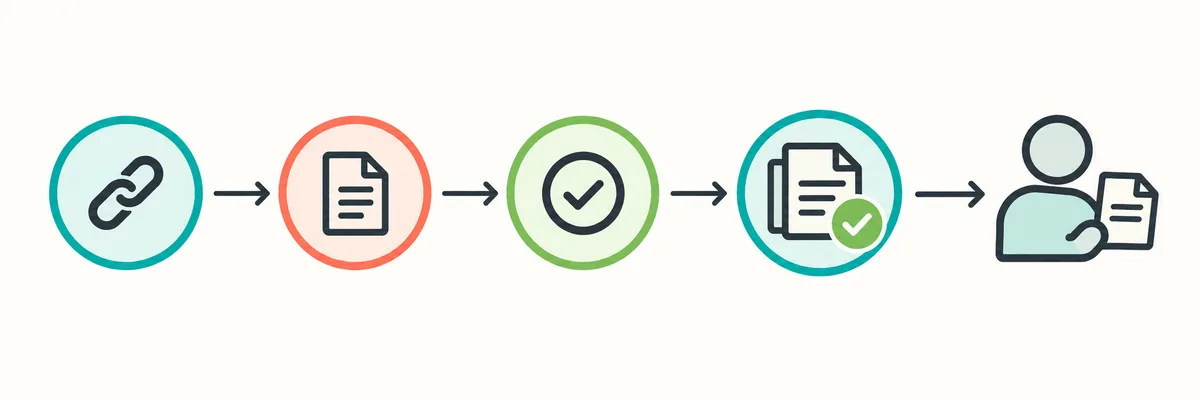
Open the official repository, follow its Premium or support links, confirm the linked account, and read the amount, renewal and cancellation terms, and access instructions. The project does not describe one shared activation procedure for all services, so use the publisher's current directions. Avoid mirrors, torrents, and cracked-build messages. If access is unclear after a legitimate subscription, use a project-linked support route; never send credentials or recovery codes to an unofficial account.
Open the project source
Begin from the AssetRipper GitHub repository or official Premium feature page, not a search-ad mirror.
Choose a listed platform
Use one of the support destinations linked by the project README and check that the account matches the publisher.
Verify current terms
Confirm the displayed amount, billing cadence, renewal and cancellation terms, and the access instructions before completing payment.
Follow publisher instructions
Use the current method described by AssetRipper for access. Do not assume a common activation flow that the project has not documented.
A fair AssetRipper free vs Premium evaluation
Control the sample and goal. Before comparing editions, state which mesh, hierarchy, shader, analysis result, package reference, or path should appear. This separates a working feature from an unsupported input or an export that still needs repair.
The official release page showed tag 2.0.0 when checked on October 23, 2026. This article does not promise every feature exists in every release or that this tag will remain current. Check live release notes before relying on version-specific behavior, and use the download guide for the free edition.
| Evaluation question | Evidence to record | Decision signal |
|---|---|---|
| Does the feature match the task? | Target object, export structure, and intended next application. | A named Premium feature addresses a specific missing output. |
| Does the input meet its boundary? | File types, version clues, dependencies, platform, and feature settings. | The source documentation covers the relevant input and platform. |
| Is the result repeatable? | Build, configuration, sample, warnings, and second test result. | The outcome appears on more than one representative test when needed. |
| What is the cleanup cost? | Missing references, shader errors, manual edits, and package research. | The saved effort exceeds setup and repair work for your use case. |
| Is access clear and legitimate? | Repository-listed route and current platform terms. | You can verify the publisher's instructions without using a mirror. |
- Choose the free edition when its verified output already meets the task.
- Evaluate Premium when a specific documented capability is likely to reduce a known export gap.
- Treat experimental results as exploratory until your own tests establish an acceptable success rate.
- Keep the operating system and input conditions visible when comparing results across platforms.
- Recheck first-party documentation before publishing version-specific or access-pricing claims.
Premium access does not change file rights or export limits
A Premium subscription provides software access; it does not grant ownership or redistribution rights to extracted game assets. Inspect only files you are authorized to use and read the safety guide for broader source and lawful-use cautions.
No edition guarantees support for every Unity version, archive, encrypted file, dependency, or shader. AssetRipper is independent and not affiliated with Unity Technologies. Treat exports as work products that may need repairs and Unity review. AssetRipper Free vs Premium is a task-based choice: identify a gap, check the documented feature and platform, test a permitted sample, and use current publisher links and terms.